
Advertisement
Click to download now, finish the installation quickly, and directly unlock the all-round experience
Advertisement
Screenshots
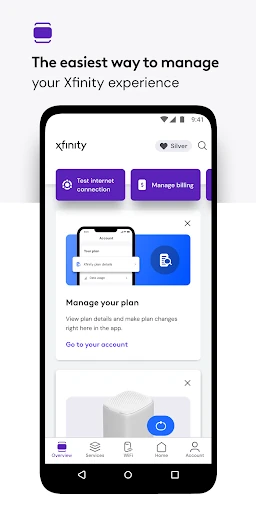
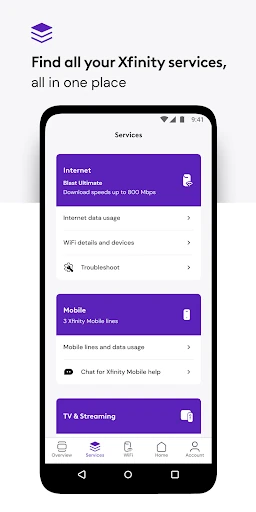
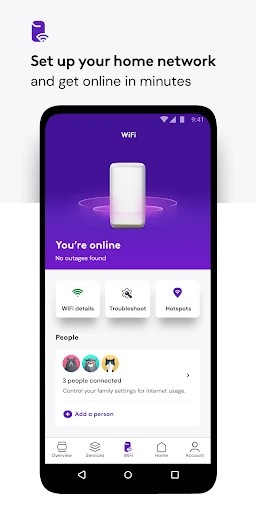
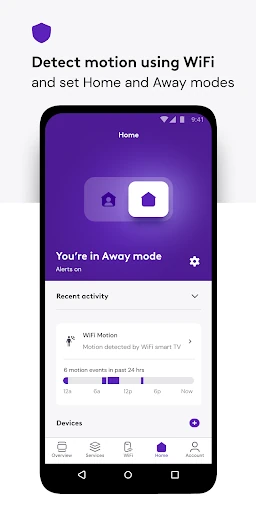
Click to download now, finish the installation quickly, and directly unlock the all-round experience
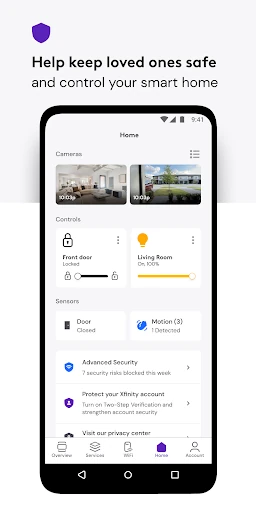
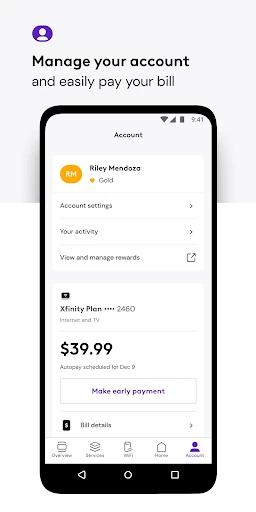
Xfinity is Comcast’s account and home-network management app for people who use Xfinity services. It brings service details, billing, support, equipment setup, and internet tools into one place. The app is most useful for customers who want to manage their account or check their home Wi-Fi without visiting a website.
After signing in with an Xfinity ID, customers can review plan information, pay bills, change or upgrade services, and get help at any time. The app also includes tools for activating compatible equipment and testing internet speed. Xfinity customers can view available rewards and, where offered, explore NOW internet and mobile options.
Customers who rent Xfinity equipment get additional network features. These can help monitor Wi-Fi performance, organize connected devices into user profiles, and manage access across the home.
Advanced Security on the go can provide safer browsing and data protection when a mobile device uses an unsecured Wi-Fi network away from home. Enabling that feature may require additional runtime permissions because the app can use a VPN service. These controls make Xfinity a practical fit for existing Comcast customers, especially households that rent Xfinity equipment and want account, support, and Wi-Fi functions together.
Comcast is listed as the developer. The app has a 3.7 rating from about 319,862 reviews and 10,000,000+ installs, indicating broad use but mixed user feedback.